A practical decision path
- 1
Verify routing
Compare a known source and documented channel test.
- 2
Inspect with power off
Resolve damage or suspect shorts before any powered test.
- 3
Narrow the path
Use only safe compatible comparisons, then restore labels.
1.Stop before a small symptom becomes a larger fault
A silent channel is an observation, not proof that a speaker has failed. It may originate in the source, settings, cable, amplifier or speaker. Start at a low volume and stop if there is damaged wiring, overheating, burning smell or unusual electrical behavior. A visibly shorted lead should be corrected or replaced before any powered test.
Identify whether the system uses passive speakers with an external amplifier, active speakers with line-level connections, or a proprietary arrangement. The safe comparison points differ. Do not connect an amplifier's speaker output to an ordinary active-speaker input, and do not treat internal equipment repair as part of an accessible connection check.
| Item or observation | What to investigate | Limit or caution |
|---|---|---|
| Only one source is affected | Source material, output or input routing | Compare another known two-channel source |
| The same physical speaker stays silent | Downstream cable, speaker or assigned output | Inspect and use only permitted safe comparisons |
| The fault follows a source-side swap | The upstream signal path deserves attention | A swap narrows the boundary; it does not identify an internal component |
2.Confirm that the material and routing contain the channel
Use a known two-channel source or the receiver's documented channel-identification function at modest level. Some recordings intentionally place little content on one side, and a particular application may be configured unexpectedly. A second appropriate source can distinguish a programme-specific observation from a system-wide one.
Check mute, balance, speaker selection, input assignment and any channel configuration. On a multichannel receiver, verify the actual role of the silent output. A surround speaker not used by the selected input or mode is a different problem from a front channel that fails the receiver's own test. Record the source and mode so the symptom can be reproduced.
For the difference between active and passive connection points, read How to Wire Passive Speakers: A Practical Checklist.
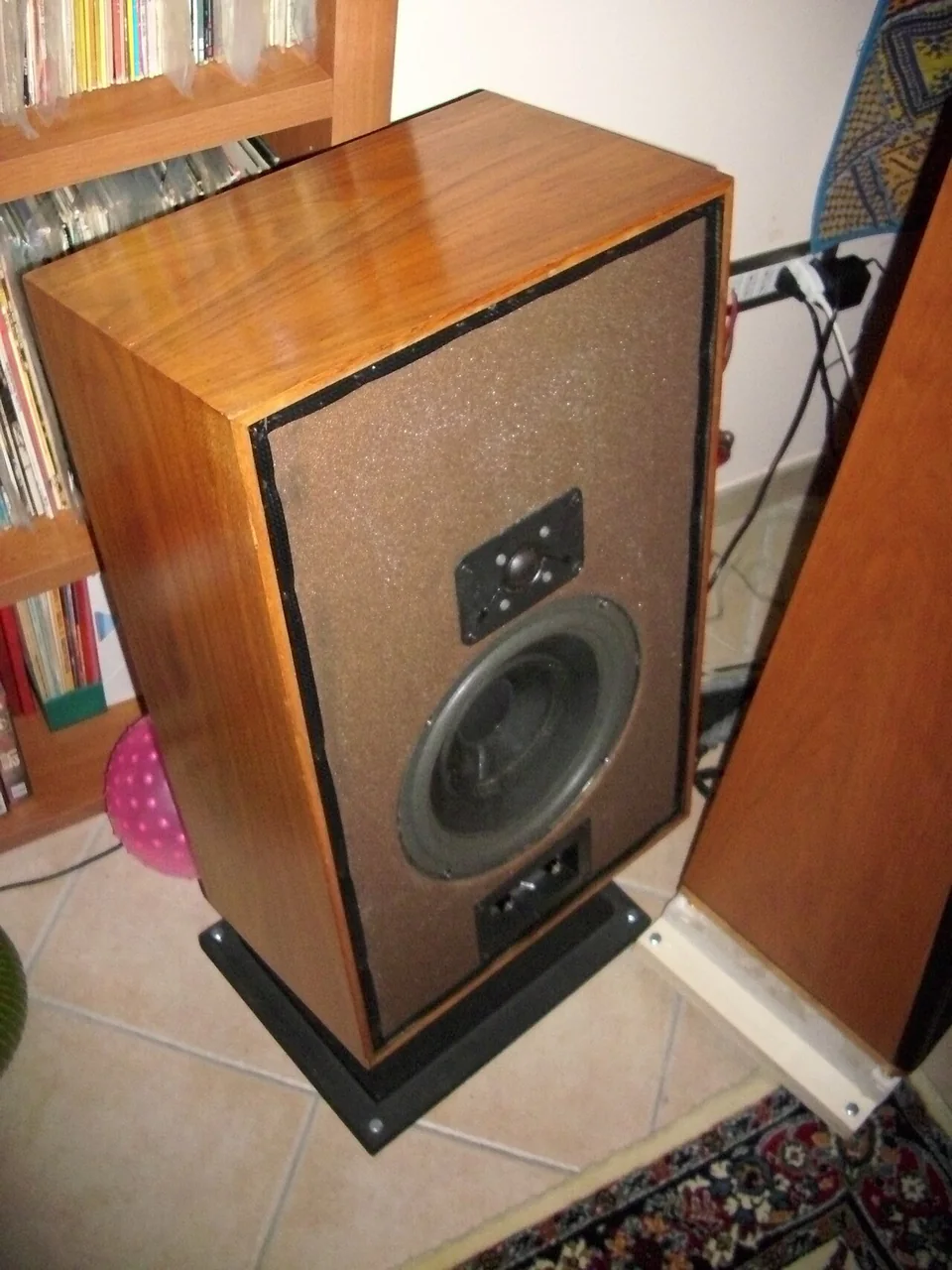
Shows two separate passive cabinets relevant to tracing a missing channel; neither photograph claims the depicted cabinet is faulty. Reference photography, not a SOUND & ROOM test or measurement.
3.Inspect accessible connections with power off
Shut down according to the manuals before touching wiring. Trace the intended output to the intended input. Look for loose plugs, a cable attached to the wrong terminal, stray strands and damaged insulation. If the speaker has multiple terminal pairs and removable links, check their documented arrangement.
An apparently connected wire can still have poor contact if insulation is clamped instead of conductor, but do not tighten blindly around hidden damage. Make a proper connection using the approved termination. Check whether moving the rack has pulled a lead tight. Restore power only after the accessible path is intact and the equipment is safely positioned.
(1)Checks to keep the comparison useful
- Reduce volume and stop if there is visible damage or overheating.
- Check balance, mute, input and channel configuration.
- Power down before any cable change.
- Never move a suspected shorted cable onto another output.
- Change one known-safe part of the path at a time.
4.Decide whether a swap is appropriate
A swap is useful only when both paths are known safe and compatible. For a passive system, a suspect short or damaged speaker can endanger another amplifier output, so do not transfer it merely to find out. If the condition is uncertain, stop and ask for service guidance.
For a suitable system, a manufacturer-approved source-side or line-level comparison may help determine whether the missing signal follows the upstream channel. Keep a sketch of what was exchanged. Power down between connection changes. Avoid swapping several cables and speakers together, which may restore sound while destroying the evidence about where the problem began.
5.Read the result as a boundary, not a complete diagnosis
If the symptom follows a safely exchanged upstream signal path, the source or its route deserves attention. If the same physical output path remains silent, investigation shifts downstream. That is a narrower question, not proof that a particular circuit board or driver is defective.
An intermittent contact can also change when any nearby cable is disturbed. Repeat a safe comparison only when necessary to confirm the observation, and avoid endless connector manipulation. Write the result in concrete language: the right physical speaker stayed silent after the documented source-side exchange. That statement is more useful to support than a confident but unsupported claim about a failed amplifier chip.
6.Check active-speaker control and power separately
An active speaker may have its own standby state, input selector, sensitivity control or protection indicator. Compare the documented settings between channels without assuming that identical knob positions guarantee identical routing. Verify the correct local input and any required pairing or link configuration.
If power or protection behavior is abnormal, follow the service instructions. Do not open the speaker or bypass protection to continue testing. A mains indicator only establishes part of the device's state; it does not prove that every internal stage is functioning. Conversely, a quiet active speaker may simply be listening to a different input. The manual's status descriptions can prevent unnecessary hardware conclusions.
7.Restore a clear baseline and document the next step
After a successful check, return every changed connection to the intended arrangement and confirm left/right or channel identity at low level. Keep the final labels. If the problem persists, provide the source used, settings checked, inspection findings and any safe swap result to the manufacturer or technician.
The useful endpoint is either restored correct playback or a well-defined service question. Raising the volume, cycling random modes or exchanging unknown loads can make the situation less clear. A careful channel trace works because each observation removes a possibility while preserving a recoverable configuration.
8.Key terms and common questions
(1)A question worth checking
Should I turn it up to see whether the speaker wakes up?
No. Keep the level low and investigate routing and connections. Excess output can worsen a fault or surprise the listener if the channel returns suddenly.
9.Technical references and editorial scope
Research-based educational guidance. Sources support fact checking; they are not text to reproduce. No original measurements or hands-on product test are claimed. Follow the instructions for your equipment. Our editorial and corrections policy.
Have a question or spotted a correction? Write to the editors ↗