A question worth checking
Must the height speakers make sound continuously?
No. Activity depends on the programme and rendering. Silence during one scene is not sufficient evidence of a fault; use the documented channel test to verify wiring separately.
1.What does the streaming badge tell me?
A content badge is a useful starting clue about the presentation offered by a service or title. It is not an electrical observation at the receiver. The available soundtrack can depend on the selected version, language, application, device and account conditions. A screenshot from another setup cannot establish what your current path is delivering.
Open the actual programme's audio selection when available and identify the intended track. Keep that selection unchanged while troubleshooting. If the application offers no clear technical information, note the limitation instead of assuming the badge proves a complete signal path. Establishing the available content is the first check, not the final verdict.
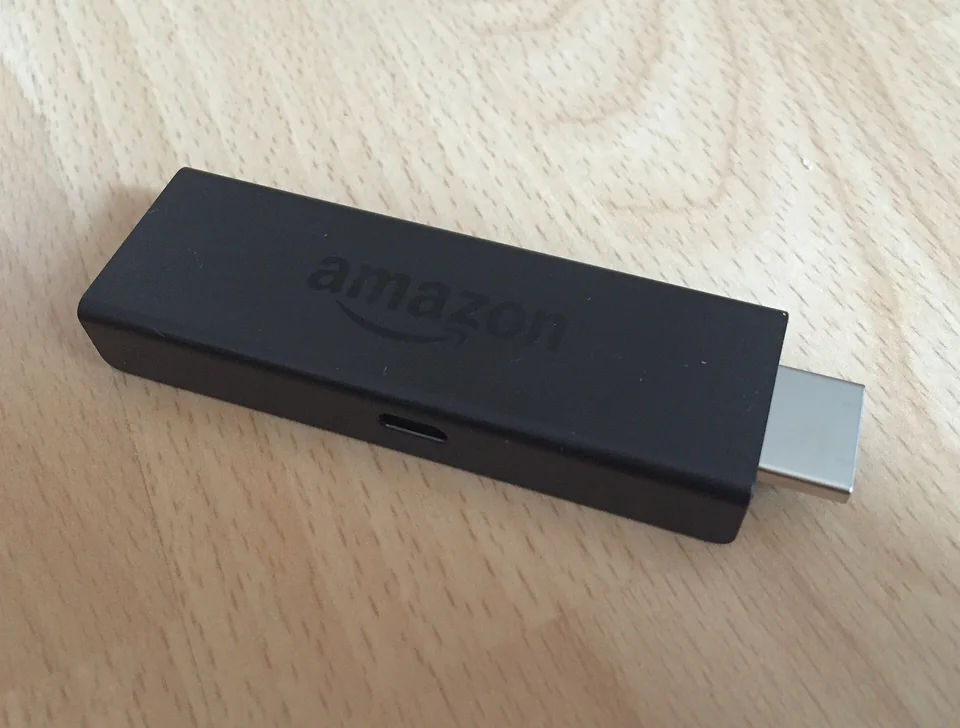
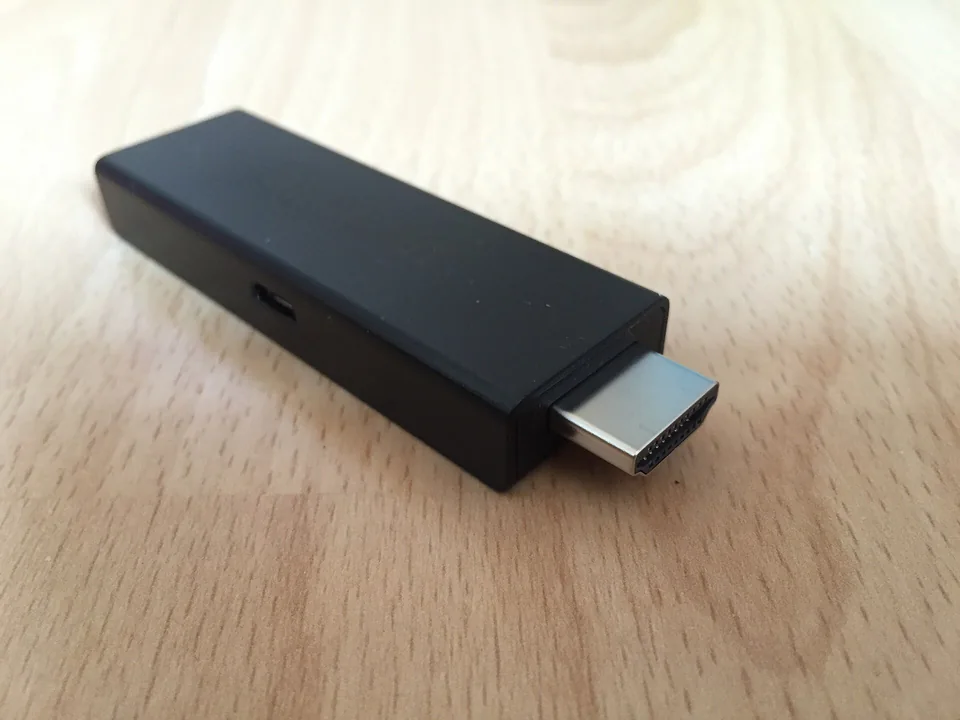
Shows an external HDMI playback source, one of the links that must be checked for an Atmos signal path. Reference photography, not a SOUND & ROOM test or measurement.
2.Where should I look on the receiver?
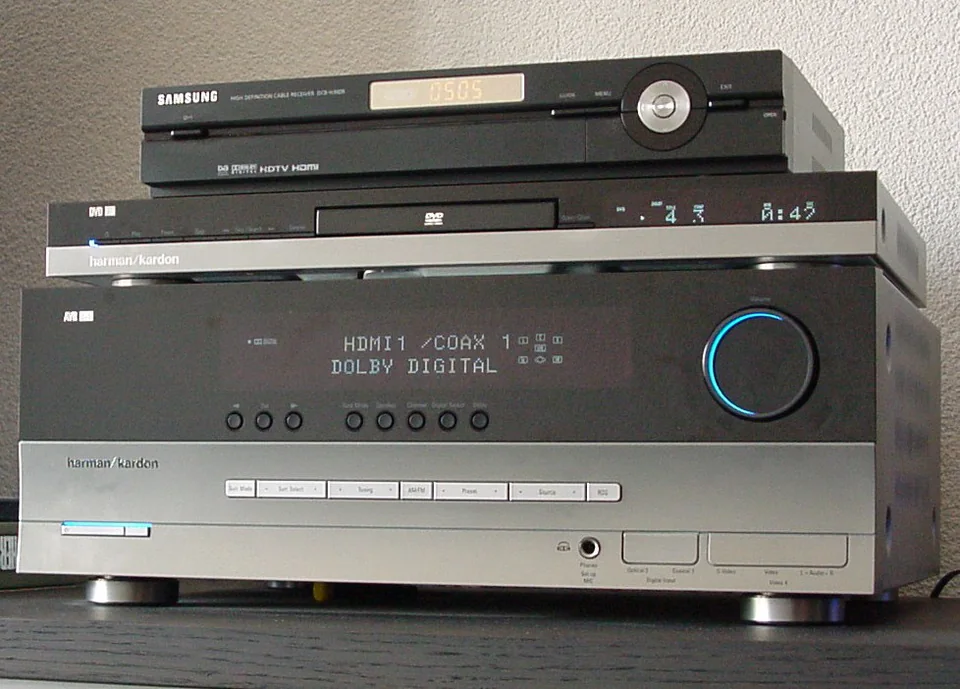
Use the input-signal information described in the receiver's manual. Some front panels emphasize the current listening mode, while a more detailed screen distinguishes incoming channels, format and output configuration. Learn which display you are reading before drawing a conclusion from a short label.
A processor may apply an upmixer to ordinary channel-based input, and an output diagram may show configured or active speakers rather than the original source's channel structure. Those features can be useful, but they answer different questions. Record the incoming format and chosen processing mode separately. If the input is not the expected one, investigate upstream before treating an output indicator as proof that all is well.
For conventional channel-number notation, start with HDMI ARC vs eARC: Formats, Connections and Common Problems.
| Item or observation | What to investigate | Limit or caution |
|---|---|---|
| App badge | An available or advertised presentation | The signal reaching the receiver |
| Input information | What the receiver identifies at its input | Correct positioning of every speaker |
| Listening mode | How the processor is handling the signal | That the source supplied an original Atmos mix |
3.Does the connection need eARC?
That depends on the actual transport format and route. Atmos is not synonymous with one underlying codec or one cable arrangement. A television application, an external streaming player and a disc player may place different demands on the path. The TV's ability to handle a signal from an external HDMI input may also differ from its internal-app behavior.
Check the relevant source, TV and audio-device documentation together. Where appropriate, compare a supported direct source-to-receiver connection with the TV return path. Do not assume that buying a different cable changes a source's supported formats or the TV's pass-through implementation. A cable is one part of the chain, not a substitute for compatible endpoints and settings.
4.Why are the overhead speakers quiet in some scenes?
An immersive mix does not require every output to be continuously conspicuous. Sound placement and activity are creative decisions. Raising the height-channel levels until every scene sounds overhead can distort the intended balance without verifying the source format.
Use the receiver's documented channel-identification signals to establish that the correct speakers are connected and producing sound. Then use well-understood programme material for the listening check. The first procedure verifies physical routing; the second explores the programme. Keeping them separate avoids declaring a correctly wired speaker faulty because a particular scene does not call attention to it.
5.Do I need a particular number of speakers?
Playback arrangements vary, including discrete speaker systems and products that use additional processing. The equipment must support the intended presentation, and its configuration must describe the installed arrangement. A layout label such as 5.1.2 identifies roles in a conventional system; it is not a universal description of every Atmos-capable product.
For discrete installations, consult the appropriate official layout diagram and the speaker and receiver manuals. Adding channels in unsuitable locations is not automatically an improvement. Height separation, listening area and safe installation matter. A smaller correctly configured arrangement can be more useful than a larger one with incorrect assignments or poorly placed outputs.
6.What if the signal is correct but the result is disappointing?
Once input identification and routing are verified, the next questions are acoustic and practical. Examine speaker orientation, obstructions, level calibration, listening position and the programme itself. A correct format label does not guarantee that the room or speaker layout provides convincing spatial separation.
Compare more than one title at sensible levels. If one mix sounds restrained and another more obvious, that is not automatically evidence of a hardware inconsistency. If a known output never works during the receiver's own channel test, troubleshoot that physical path separately. The goal is to locate the stage that fails the check, rather than treating all disappointing playback as a format problem.
7.What should I save after it works?
Write down the title and track, source-output setting, connection route, TV-output setting, receiver input information and speaker configuration. Include which test confirmed physical routing. This is a small setup record, not a claim of measured acoustic performance.
The record provides a repeatable baseline after a firmware update, source change or reset. If the symptom returns, compare the current observations with that baseline. Knowing which link changed is far more useful than repeatedly switching every option until an Atmos label appears somewhere on the screen.
8.Key terms and common questions
(1)Checks to keep the comparison useful
- Select the intended soundtrack and language.
- Check the source device's supported output.
- Read incoming-signal information separately from the listening mode.
- Confirm that the configured speaker layout matches the installation.
9.Technical references and editorial scope
Research-based educational guidance. Sources support fact checking; they are not text to reproduce. No original measurements or hands-on product test are claimed. Follow the instructions for your equipment. Our editorial and corrections policy.
Have a question or spotted a correction? Write to the editors ↗