| Your intended result | Return-path requirement | What still needs checking |
|---|---|---|
| Stereo TV audio | ARC may already meet the task | Selected output, receiver input and working connection |
| Digital Plus Atmos | Compatible ARC can carry this; eARC also offers the path | TV/app output and audio-system support for this format |
| TrueHD Atmos from a player through the TV | Use eARC for the TV-to-audio-system leg | TV pass-through for that input and decoding at the destination |
| Multichannel uncompressed PCM through the TV | Plan for eARC | Channel support and output settings across the chain |
| Player connected directly to a receiver | The player audio need not use TV ARC/eARC | Receiver audio support plus required video pass-through |
1.ARC or eARC: choose from the audio you need
ARC sends television audio back to a receiver or soundbar over the designated HDMI connection. eARC extends that return path to audio that needs more capacity, including multichannel uncompressed PCM and lossless formats such as Dolby TrueHD. It does not improve a soundtrack merely by being switched on.
Start with the format you actually use. Stereo television sound may already meet your needs over ARC. For lossless TrueHD audio returning through the TV, plan an eARC-capable path at both ends and verify that the TV passes that format from the relevant input. An eARC socket is a capability, not proof that a particular app supplies lossless audio.
Draw the route before changing settings: external player to TV, then TV to receiver is different from external player to receiver, then receiver to TV. Only the first route asks the TV return connection to carry that external player's soundtrack. The diagram below separates the two routes so you can identify which connection carries the soundtrack.
Source for this section: HDMI LA: eARC format capabilities ↗
External player through the TV
- PlayerAudio + video
- TVPasses supported audio back
- Receiver / soundbarARC or eARC return input
External player through the receiver
- PlayerAudio + video
- ReceiverHandles supported audio
- TVReceives forwarded video
(1)Two routes for one player
A hypothetical TV-app route receives Digital Plus Atmos, while an external player offers a TrueHD track. These are different transport questions, even when both programmes carry an Atmos label.
2.Does Dolby Atmos require eARC?
Not always. Dolby Atmos describes an immersive presentation, not one transport format. Atmos delivered using Dolby Digital Plus can work through compatible ARC equipment. Atmos carried in Dolby TrueHD needs eARC when it travels back from the TV to the audio system. A player connected directly to a compatible receiver can bypass the TV return path for that source.
This distinction explains an apparently inconsistent system: an internal streaming app can show Atmos while a different external source falls back to another format. Compare the available soundtrack and received format for each route. The badge in a service's catalogue is not a live reading of the receiver input.
Sonos documents the Digital Plus/TrueHD distinction for its own home-theater products. Use that as evidence for the transport distinction, then consult the manuals for your actual TV and receiver. Do not extend one brand's compatibility list to every device.
Source for this section: Sonos: Digital Plus and TrueHD Atmos requirements for its home-theater products ↗
To distinguish the incoming signal from the selected playback mode, read Is Dolby Atmos Actually Playing? Check Your Signal Chain.
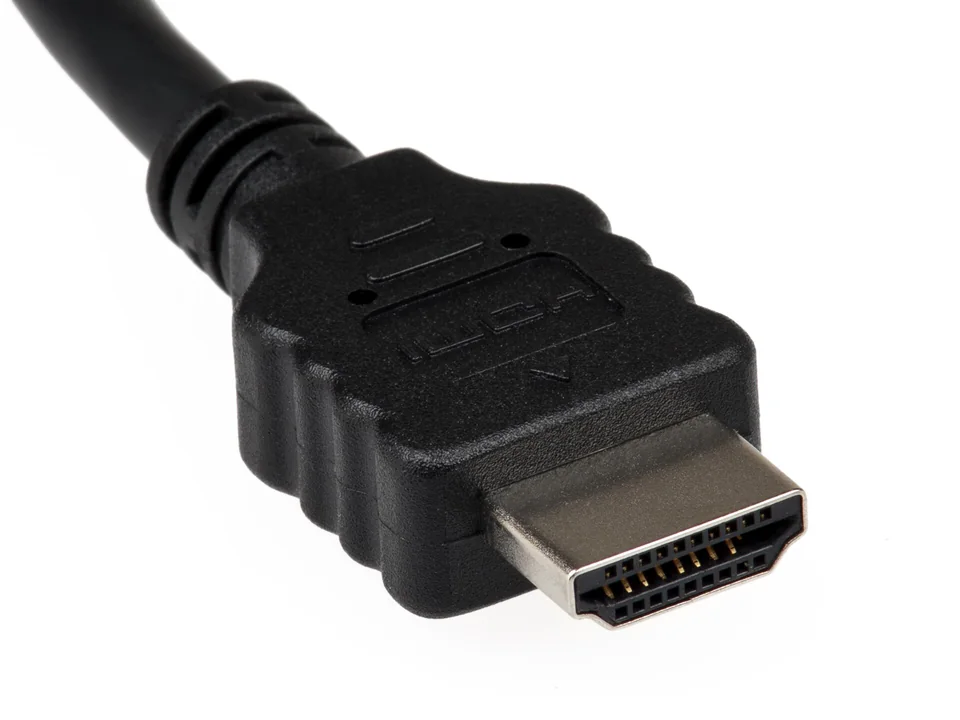
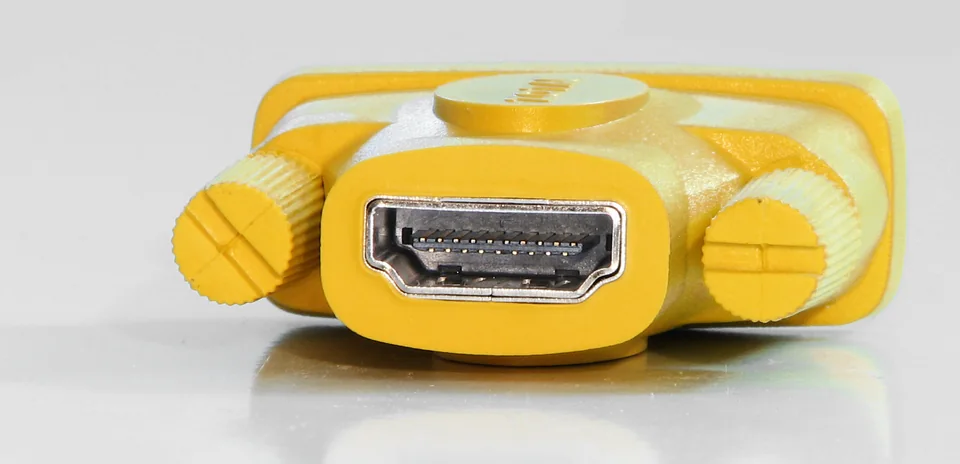
Shows the physical HDMI socket and plug, without claiming that their shape proves ARC/eARC support. Reference photography, not a SOUND & ROOM test or measurement.
3.Match each source to a format and an input
Build a three-line record: source, selected soundtrack, and receiver input signal. Add a fourth line for the listening mode. A receiver can apply an upmixer to a two-channel input; active surround speakers do not prove that a native multichannel soundtrack arrived.
For an internal TV app, check its audio-language selection and whether the chosen programme actually has the intended track. For a connected console or player, record its output setting and the TV input used. Keep the same scene and comfortable volume during a comparison so that changing content does not obscure the routing question.
Treat PCM and bitstream as configuration choices with consequences, not quality rankings. A source may decode audio itself or send an encoded stream for downstream decoding. The supported result depends on the whole route. Record what the receiver reports rather than assuming that one menu word always means the best outcome.
For the decoding choice and how to interpret the input channel count, read PCM vs Bitstream: Choose the Right Audio Output for Your Receiver.
4.Connect the labeled ports and verify the TV settings
Use the HDMI port explicitly labeled ARC or eARC on the TV and the corresponding return-capable port on the audio system. Ordinary HDMI inputs are not interchangeable with that connection. Match the cable and connection procedure to the equipment instructions; do not infer capabilities from a connector photograph or a cable's appearance.
Select the TV's external-audio output. Where available, check the eARC setting and the digital-audio-output or pass-through setting. Menu names differ across models. CEC may also be involved in an ARC setup, so follow the manufacturer's documented requirements rather than disabling related controls at random.
Save the starting settings, make one change, and recheck the received signal. If sound is absent, first confirm input selection, mute and the physical route. Do not turn the system up dramatically while trying unknown output modes; restore a comfortable level before each playback check.
5.When a TV app works but an HDMI device does not
Keep the working TV-app route intact and investigate the external source separately. List its selected format, the TV's pass-through support for that format and the audio system's decoding support. This narrows the question to a specific handoff instead of treating every HDMI problem as a bad cable.
As an illustrative case, suppose a streaming app supplies Digital Plus Atmos, while a player offers a TrueHD track. The first may work over compatible ARC; the second cannot return as TrueHD through ARC. That result does not establish that either device is defective. It identifies a capability mismatch worth checking against the manuals.
If the reported input is stereo PCM, inspect both the source output and TV output configuration. If the audio system reports the expected input but the result sounds wrong, investigate speaker configuration and listening mode next. Transport and reproduction are separate stages.
For a map of the jobs performed by each device, read Audio Signal Chain Explained: From Source to Speakers.
6.Use a direct receiver route only when it solves the missing handoff
A supported external-player-to-receiver connection may carry the player's audio without asking the television to pass it back. Video then travels onward to the display. Before trying this route, check that the receiver also passes the video features you use; an audio workaround that removes a required picture feature may not be an improvement.
This route does not carry an internal TV app directly to the receiver. The app remains inside the TV and still needs a supported return connection or another available audio output. Keep separate diagrams for separate sources rather than treating a successful player connection as a universal solution.
Compare the received format before and after rerouting the same supported material. If it now matches the intended track, save the working configuration. If it does not, return to the source settings and documented device capabilities instead of buying accessories based on the word eARC alone.
7.Keep a short handoff record
Save the TV and audio-system model names, relevant firmware versions, port labels, source output setting, TV audio-output setting and observed input signal. Do this once for the internal app and once for each external source you regularly use.
For support, describe the mismatch precisely: the selected source track, its route, the expected received format and what the receiver actually reports. That record is more useful than saying that Atmos does not work. Recheck after a substantial firmware or routing change; do not change a stable configuration only to make a menu display a newer connection name.
8.Key terms and common questions
(1)Checks to keep the comparison useful
- Use the ports explicitly labeled ARC or eARC.
- Check the TV's handling of internal apps and external inputs separately.
- Inspect the receiver's reported incoming signal.
- Change one output-format setting at a time.
(2)ARC and eARC questions answered
Will eARC make the same streaming soundtrack sound better?
The connection name alone does not change the source track. Check whether eARC enables a format or channel configuration that your previous route could not carry. Compare the actual received signal rather than the menu label.
Why does Atmos work in the TV app but not from my player?
The routes may supply different formats. Check whether the player uses TrueHD, whether the TV passes it from that input and whether the return link is eARC. Keep source output, TV pass-through and receiver decoding as separate checks.
Do both devices need eARC?
For an eARC return link, both ends must support and be configured for it. Do not assume a mixed ARC/eARC pair provides the higher-capacity path. Follow the fallback behavior documented for the models.
9.Technical references and editorial scope
- HDMI Licensing Administrator: eARC capabilities ↗
- Sonos Support: Atmos transport requirements for Sonos systems ↗
Updated Nov. 12, 2026. Expanded the format comparison, added original route diagrams, and separated TV-app, external-player and direct-receiver checks.
Research-based educational guidance. Sources support fact checking; they are not text to reproduce. No original measurements or hands-on product test are claimed. Follow the instructions for your equipment. Our editorial and corrections policy.
Have a question or spotted a correction? Write to the editors ↗